You don’t need to be tech savvy to support your child’s interest in coding.

3 Months for $17/mo (save 32%)
For Every Black Friday signup, Griffpatch funds a GIF global access spot so kids worldwide can learn to code!
✨ For parents of children aged 7–14 who love gaming🌍 2,000+ Kids Worldwide 🎮 Real Games Built Every Season ⭐ World's #1 Block Coding Educator 🔒 Safe, Moderated Community
Turn Screen Time From Something You Feel Guilty About… Into Something You Feel Proud Of.
Turn the hours your child already spends on screens into something they’re proud of — games they build, not just play, guided by the world’s #1 block coding educator.
Does This Sound Like Your Evening?
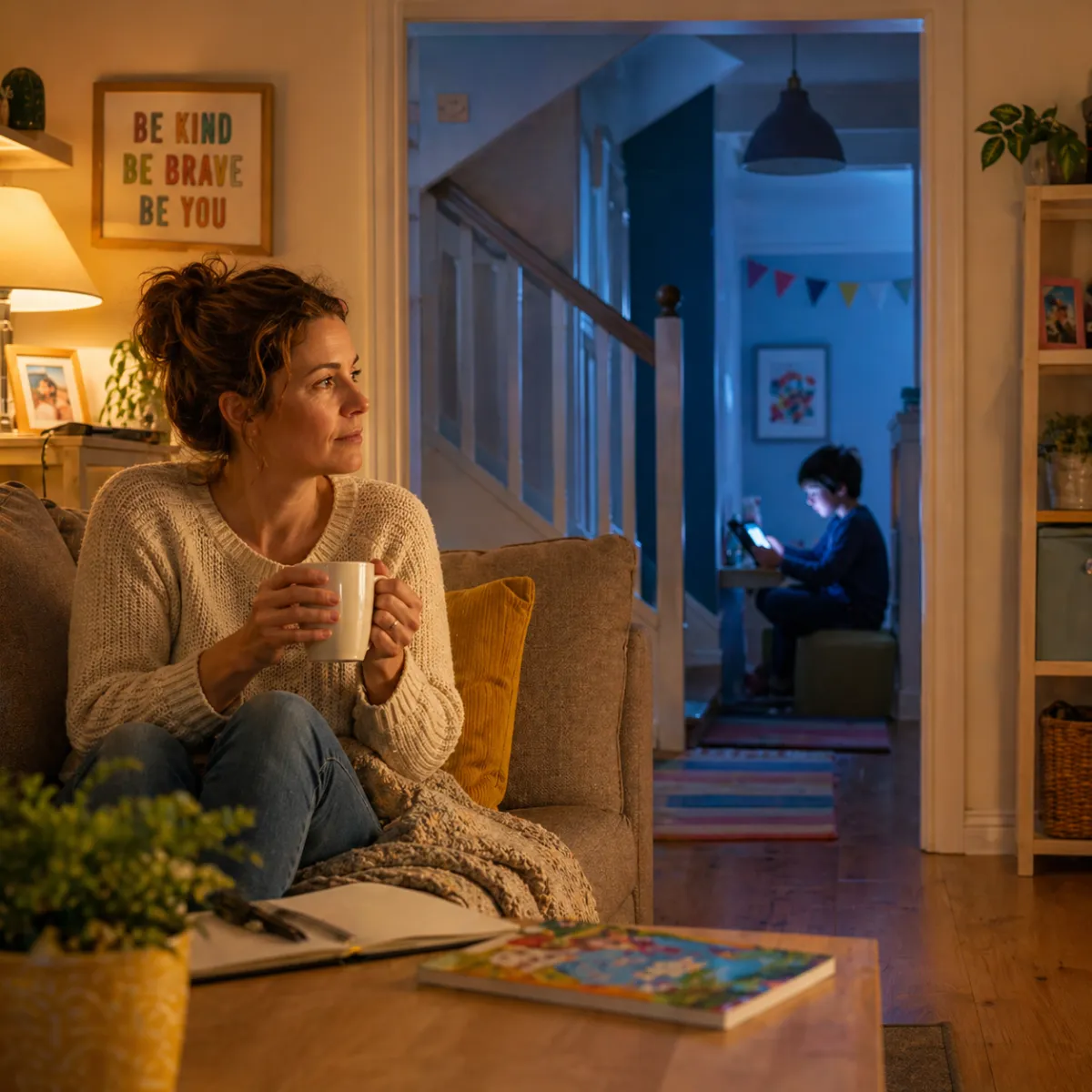
It's 8:47pm on a Tuesday. You're on the sofa. There's a half-empty cup of tea going cold beside you.
Your child has been on their iPad since dinner. You said 30 more minutes at seven. You haven't said anything since.
You can hear the sounds of a game from upstairs. Jumping sounds. Explosions. Laughter at something on YouTube.
You're not angry. You're just... tired.
You keep meaning to sort this out — find something better for them to do on screens. Something that actually leads somewhere. You looked into a few things months ago. Nothing stuck.
Tomorrow, you think. Tomorrow I'll sort it. And a quiet voice in the back of your head says: "Is this it? Is this just what evenings look like now?"
You are not a bad parent for feeling this way.
You're an intentional one — and that's exactly why it bothers you.
Why Screen Time Isn’t the Problem (And What Actually Helps Kids Learn Coding)
It's not the screen time that's the problem. It's what's happening on it.
Watching. Clicking. Consuming — hour after hour, night after night — with nothing to show for it at the end.
No output. No progress. No pride.
Your child isn't doing anything wrong. They're just gravitating toward what's easiest — and who can blame them?
But there's a version of screen time that looks completely different.
Where your child sits down, follows along step by step, and by the end of an afternoon says:
"Look what I made."
That moment — the one where they turn the screen around and show you something they built with their own hands — is the moment screen time guilt disappears completely.
What most parents don’t realise is this: it doesn’t take a course to change this. It takes one moment.
One finished game changes how your child sees themselves. Because until that moment, they’re just playing games. After it, they start thinking like someone who can build them.
The World's #1 Block Coding Educator — And Your Child Probably Already Knows Him
Your Child Is About to Be Taught By Someone Who's Changed How Millions of Kids Think About Screens.

Meet Griffpatch.
Chances are, if your child spends any time on YouTube watching gaming or coding videos — they already know who he is.
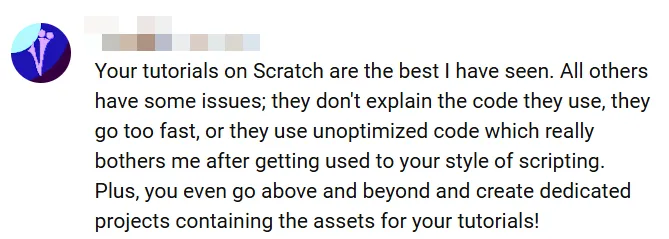
Over 400,000 families subscribe to his channel. Not for entertainment. To learn.
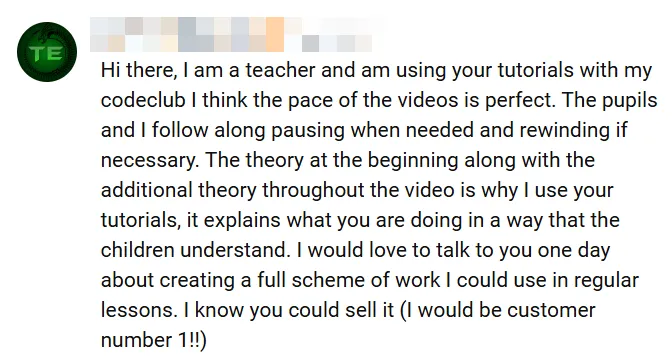
His tutorials are used by teachers in classrooms across the UK, the US, and beyond. Parents message him every week to say their child — the one who never sticks with anything — finished something for the first time.
But here's what makes Griffpatch different from every other coding educator out there: He doesn't just teach coding. He makes children believe they can.
The moment a child finishes something they built with their own hands — and realises they did that — something shifts. The screen stops being a place they go to escape. It becomes a place they go to create.
That's what 400,000 families already know.
And for the first time, your child can experience that too.
Scratch® is a trademark of the Scratch Foundation. Griffpatch Academy is not affiliated with or endorsed by the Scratch Foundation





This Is How It Works
Griffpatch Academy is a season-based membership for children aged 7–14 who love games and want to build them.
Every season, members build a new complete game — guided step by step by Griffpatch himself. Not watching. Building.
Like following a LEGO manual, start to finish, but with video. The theory is woven in as you build — so your child doesn't just copy, they genuinely understand what they're making.
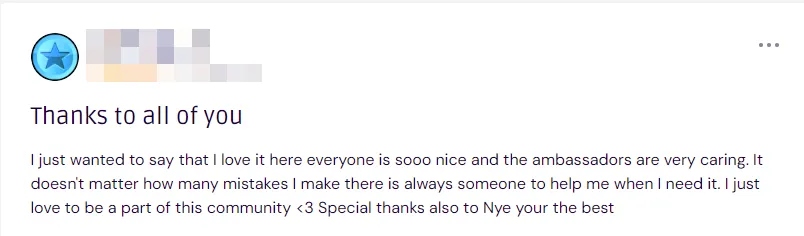
Between seasons: A safe, moderated global community keeps the momentum going. Kids ask questions, share their creations, encourage each other, and find their people — other children who love building just as much as they do.
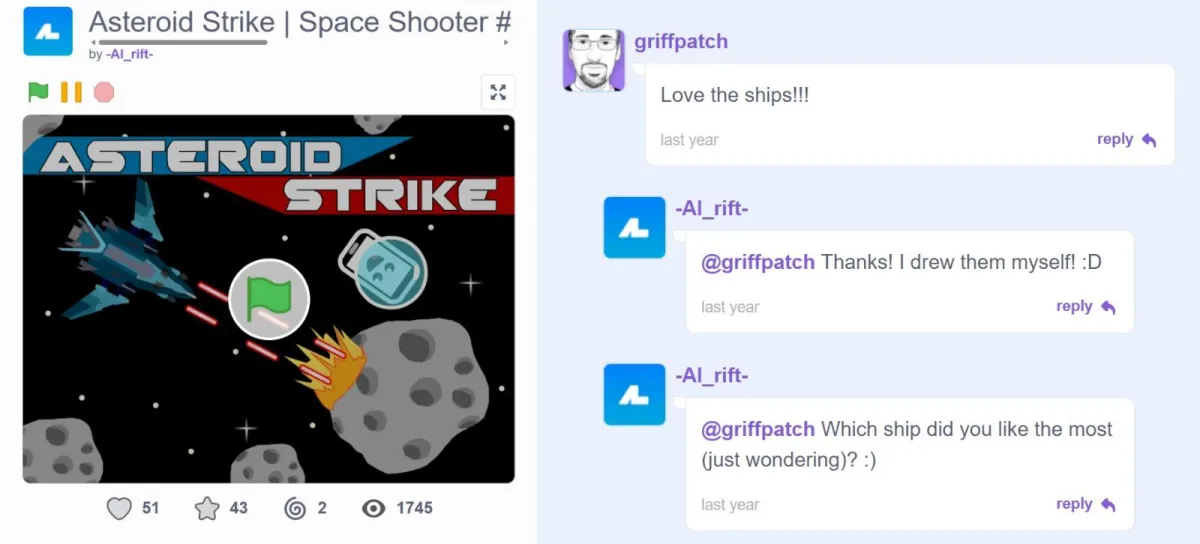
Every six weeks: A themed Game Jam opens. Your child builds something, enters it, and Griffpatch personally reviews their submission and leaves a comment publicly on their profile. Not a badge. Not an automated message. A real, personal comment from the person they admire most — visible to their whole world.
For a child who knows who Griffpatch is? That moment is everything.
When one season ends, the next one is waiting. The library of every past build is always accessible. There is always somewhere to go next.
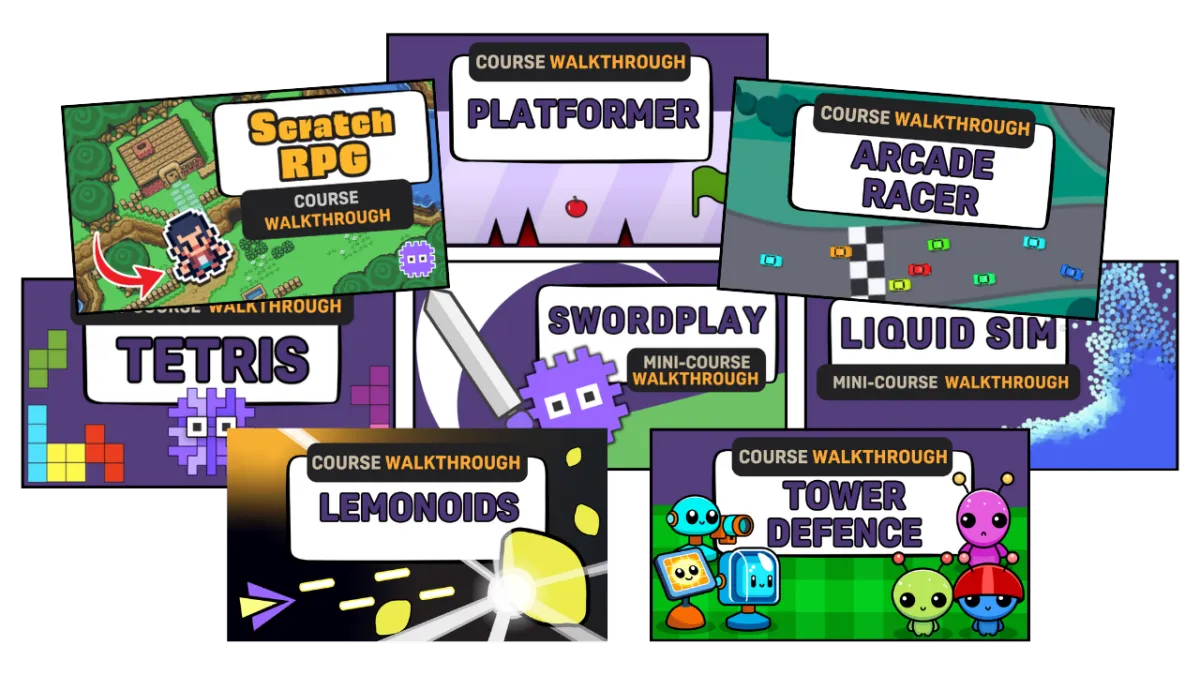
Over 2,000 Kids Around The World Have Built with Griffpatch
They started exactly where your child is now — loving games, spending hours on screens, with no real outlet for what they wanted to create.
Now they're finishing games.
Entering Game Jams.
Earning personal recognition from Griffpatch.
Finding friends who get them.
Coming home from school and going straight to their build — not because they have to, but because they genuinely want to.
And the parents?
They're the ones who stopped feeling guilty — and started feeling proud.
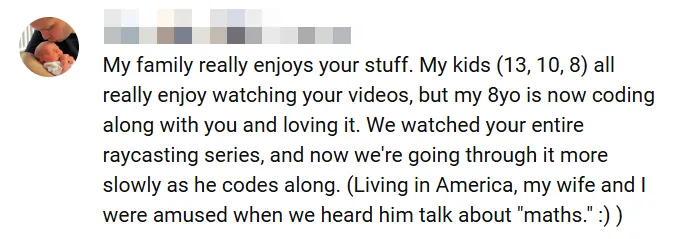
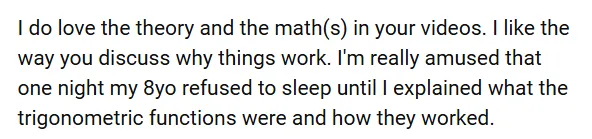
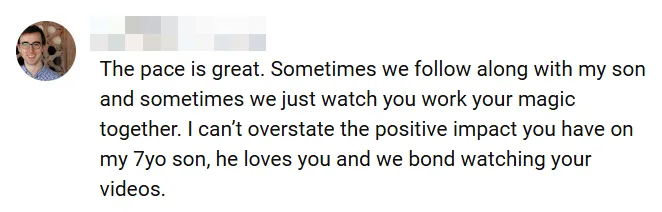
Start Here — This Is Where It Changes
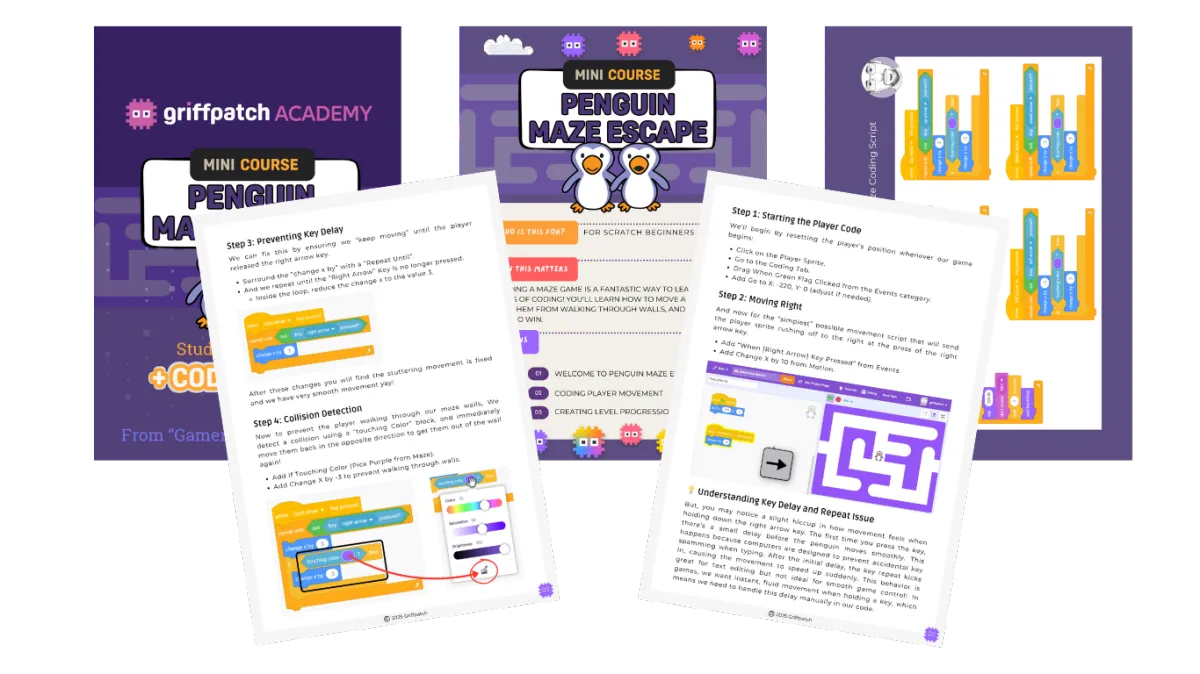
Your child builds their first real game — in one afternoon. Even if they've never coded before.
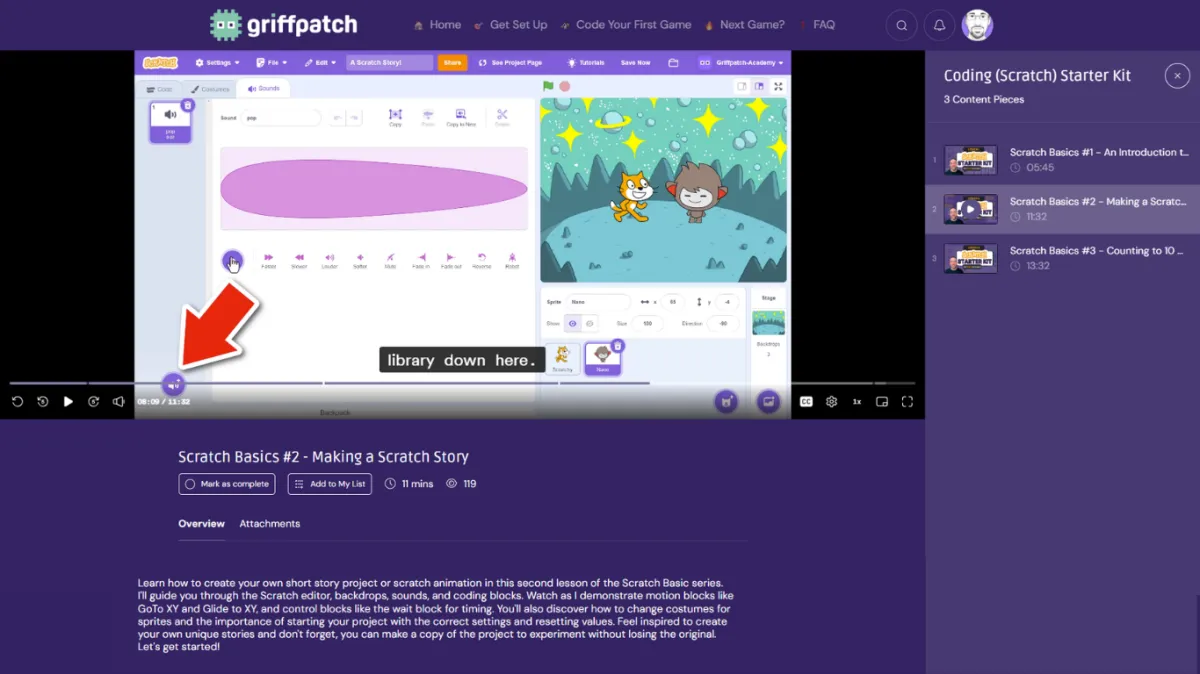
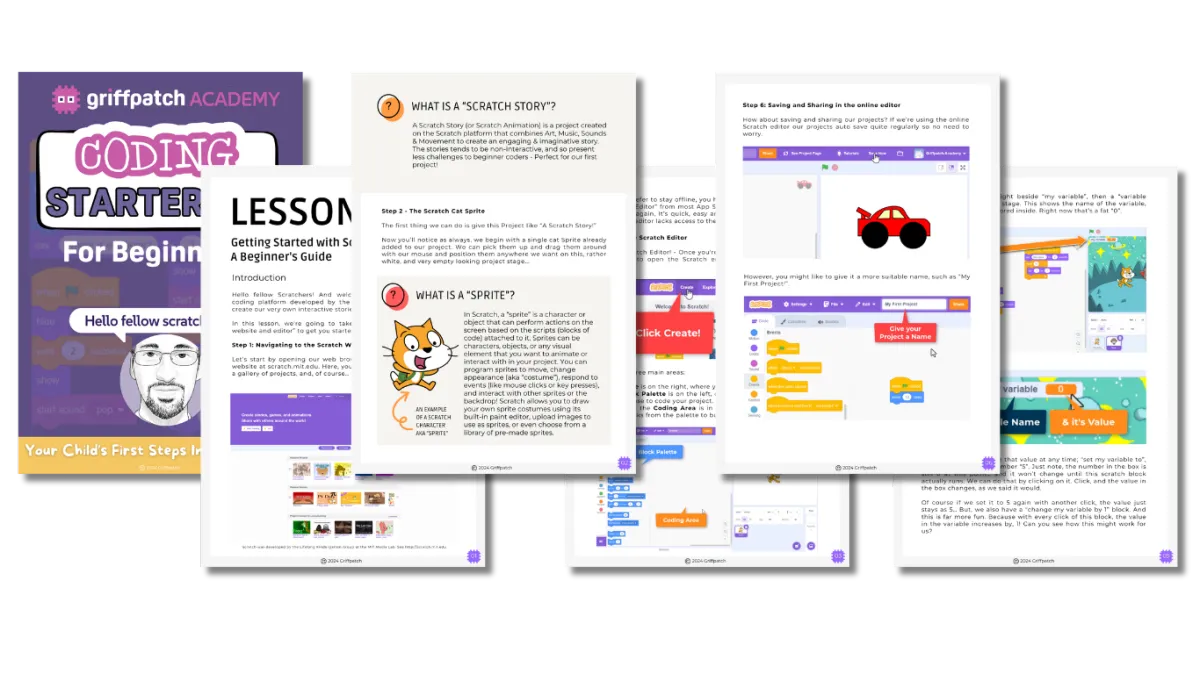
This is where it starts for most families.
Step-by-step video lessons. A PDF workbook to follow alongside. And a complete, working game at the end — built by your child, on their profile, in one afternoon from absolute zero.
Starts at Step 1 — including setting up their free account
No coding experience needed from them or you
Built on a free platform already used in classrooms worldwide
One complete game guaranteed — or every penny back
$9. Instant access. No subscription.
No pressure. Just let them try it.
It takes less than 5 minutes to get started.
And once they’ve finished their first game — something shifts.
That feeling — "I made this" — doesn't go away. It grows.
And when it does, you’ll know exactly what the next step should be.


Ready to Jump Straight In?
If your child already has a Scratch account, already loves coding, or you just know — this is for them — you don't need the starter kit.
Join Griffpatch Academy directly and your child is building from Day 1.
🎮 Monthly — $25/month (Cancel anytime. No contracts.)
📅 Annual — $250/year (Save $50. Stay for every season.)
What they get from Day 1:
The current season's complete game build — step by step, week by week
Access to the full Griffpatch Library — every past build, every season
The safe, moderated global community — daily presence from Griffpatch himself
6-weekly Game Jams with personal reviews and public comments from Griffpatch
The Kindness Ladder — earn recognition for helping other builders grow
The Parent's Peace of Mind Guide — so you know exactly what to expect, even without a coding background

Questions? We’ve Got You Covered.
How do I reduce screen time for my child?
Instead of reducing it completely, many parents find more success turning it into something productive — like building games instead of consuming content.
Is Block Coding “real” coding?
Yes. Block Coding on platforms like Scratch, teaches the same foundational concepts used in professional programming — logic, variables, conditionals, loops, events, and debugging — without the added barrier of syntax. Many children who learn this way later move on to text-based languages with far more confidence, because they already understand how programs work.
How can I help my child learn coding at home?
The most effective way is through guided projects where they build something real step by step, rather than trying to learn concepts in isolation.
What age is this suitable for?
Our content is designed for children aged 7–14. Younger children tend to enjoy following the guided builds closely, while older children often begin experimenting and extending the game once they understand how it works.
Does my child need experience with block coding?
No. The guided project assumes no prior knowledge and builds skills gradually. Children who are new to block coding can follow along step by step using the free block coding Scratch (developed by the Lifelong Kindergarten Group at the MIT Media Lab), and children with some experience still benefit from seeing how a complete game is constructed properly.
What if my child gets stuck?
Getting stuck is expected — and supported.
Inside the Academy, children can ask questions in a safe, moderated community and see how others solved the same problems. This is one of the biggest differences between learning alone and building together.
Do I need to help or be technical?
No. The guidance is designed so children can follow independently. Parents don’t need coding knowledge to support their child — your role is simply to encourage consistency, not troubleshoot code.
© 2026 Griffpatch LTD.
Scratch was developed by the Lifelong Kindergarten Group at the MIT Media Lab. See http://scratch.mit.edu
Scratch® is a trademark of the Scratch Foundation. Griffpatch LTD and Griffpatch Academy are not affiliated with or endorsed by Scratch.
Griffpatch LTD | Company Number 13965954 | C/O Atrium, York Eco Business Centre, United Kingdom, YO30 4AG | Registered in the UK